 repare
Perfect AI product images, instantly
Go ahead, break something ↓

The problem
AI product images are 90% there. The last 10%, wrong reflections, bad stitching, off textures - takes hours in Photoshop. Every fix risks breaking something else.


How repare works
Drop both images
Upload your ground truth and then either generate an image or upload your poor garbled one.
Select the problem
Draw a box or lasso around what's wrong. Mark the reference area that shows what's right.
One click
Hit Patch. No crazy prompt instructions, no guessing. Repare packages everything up to deliever the perfect patch
Stack & export
Every fix is a layer. Adjust, revert, try again. Export the full PSD when you're done.
See it in action
Select the broken area. Reference what's right. Hit patch. Done in seconds. No Photoshop, no prompts, nothing lost.
Whether you're a creative professional or just getting started, repare works for you. Think of it as AI-powered Photoshop: precise enough for experts, simple enough for anyone.
Use cases
Give any AI image a professional finish, across categories.
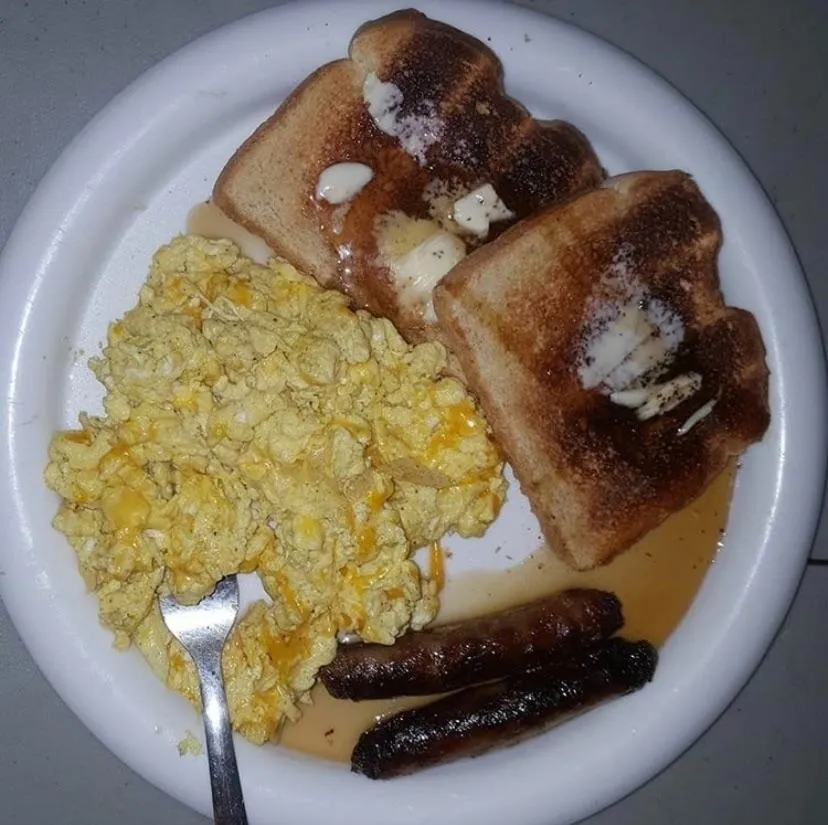
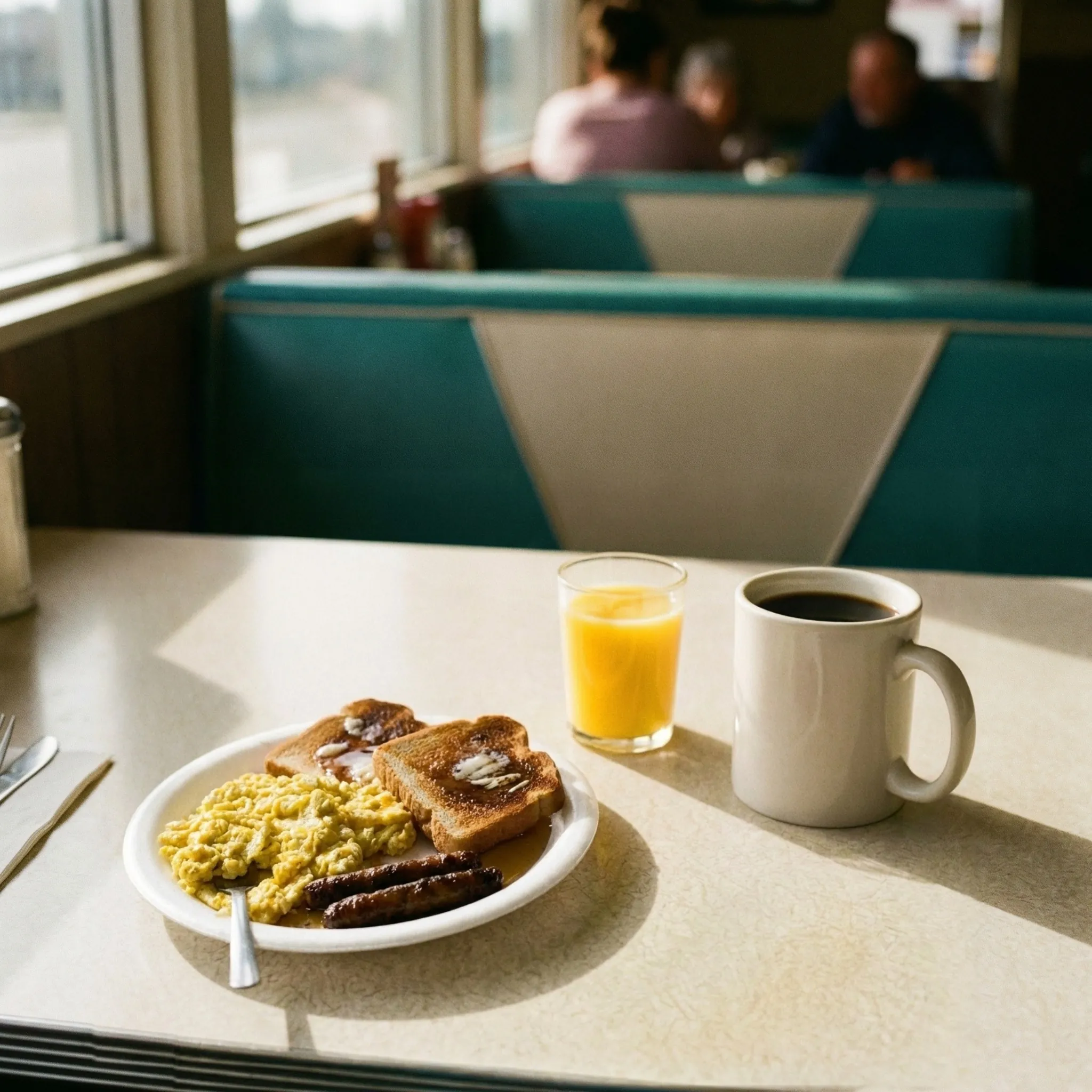
Raw phone snap → polished diner editorial shot. Same dish, professional lighting and composition.
Try it →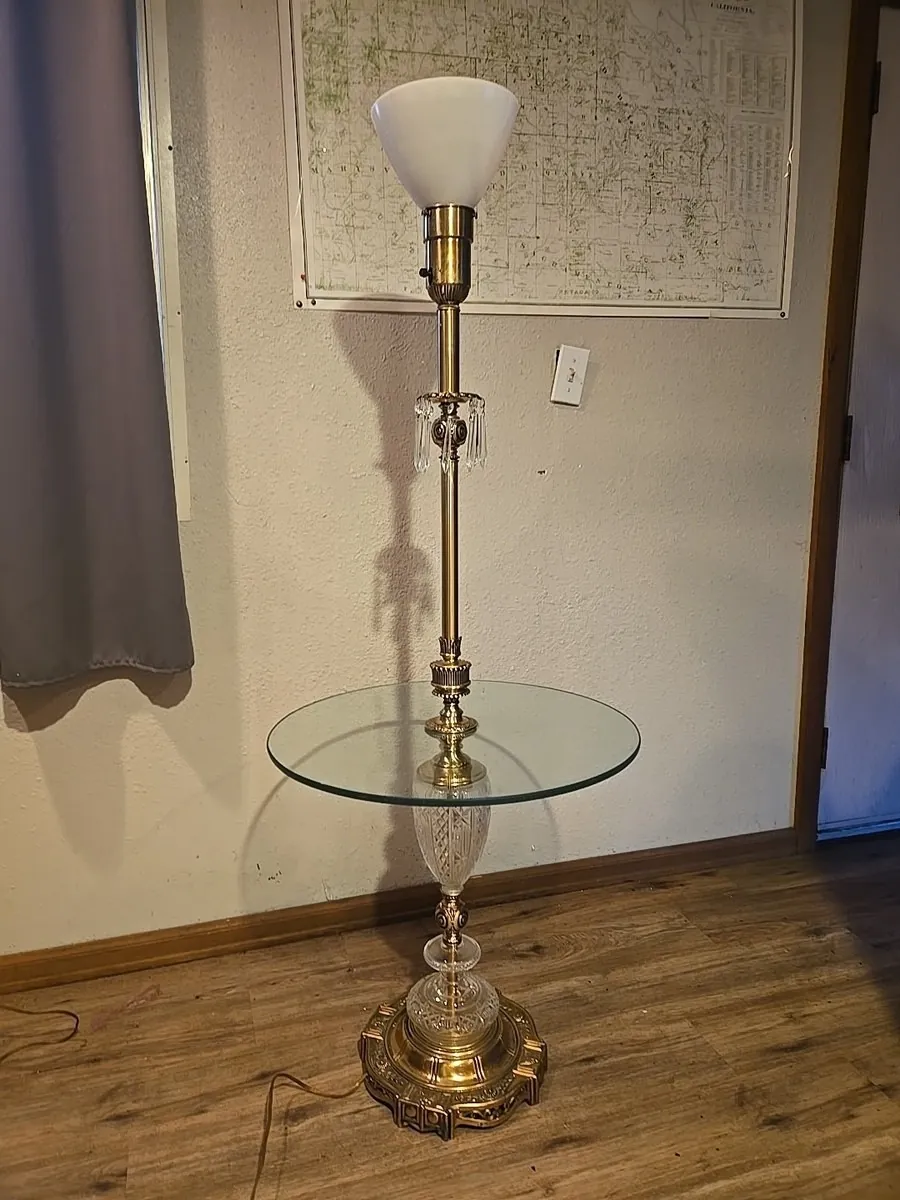
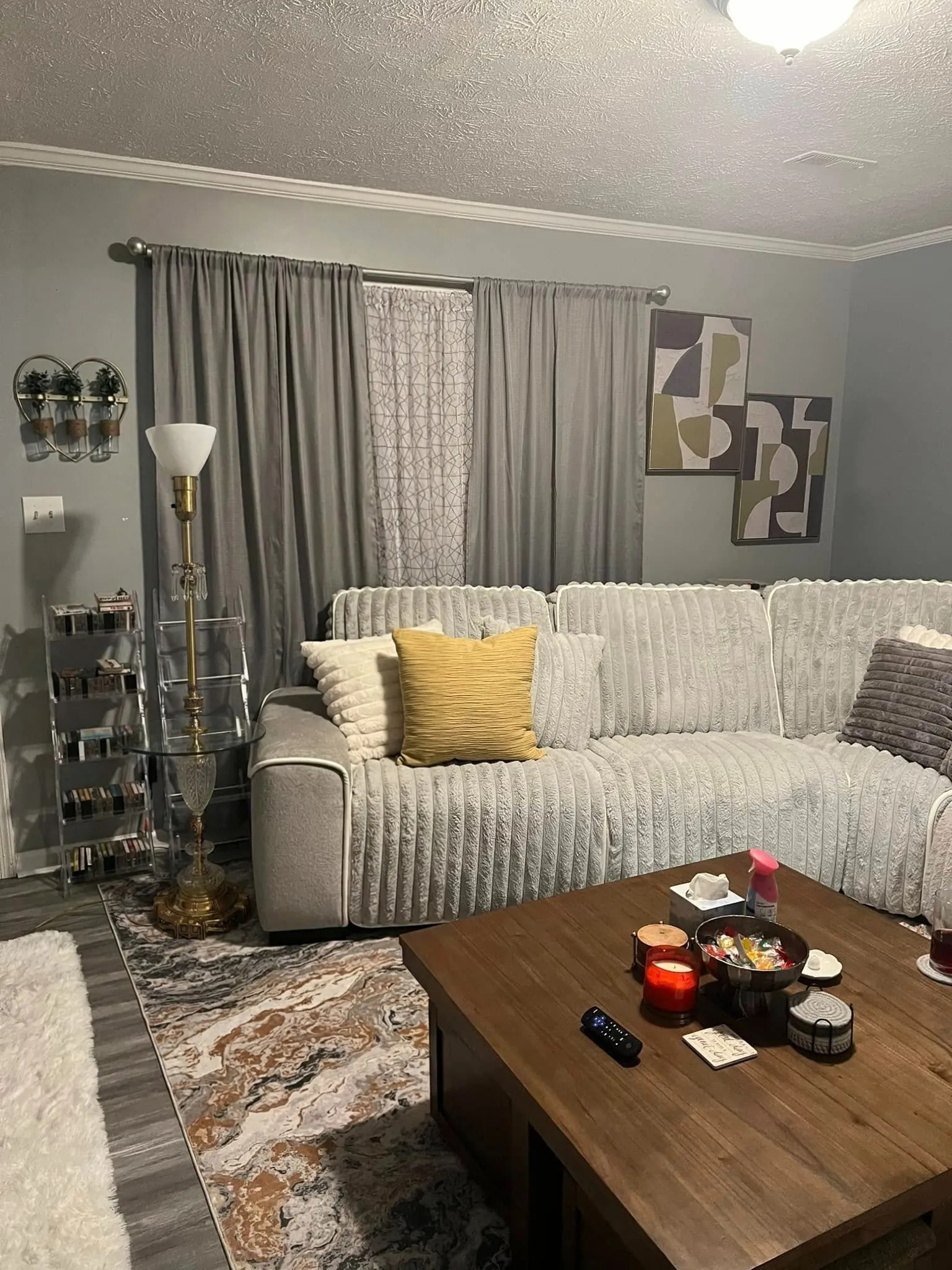
Lamp listing → place it in any room. Try it before buying it.
Try it →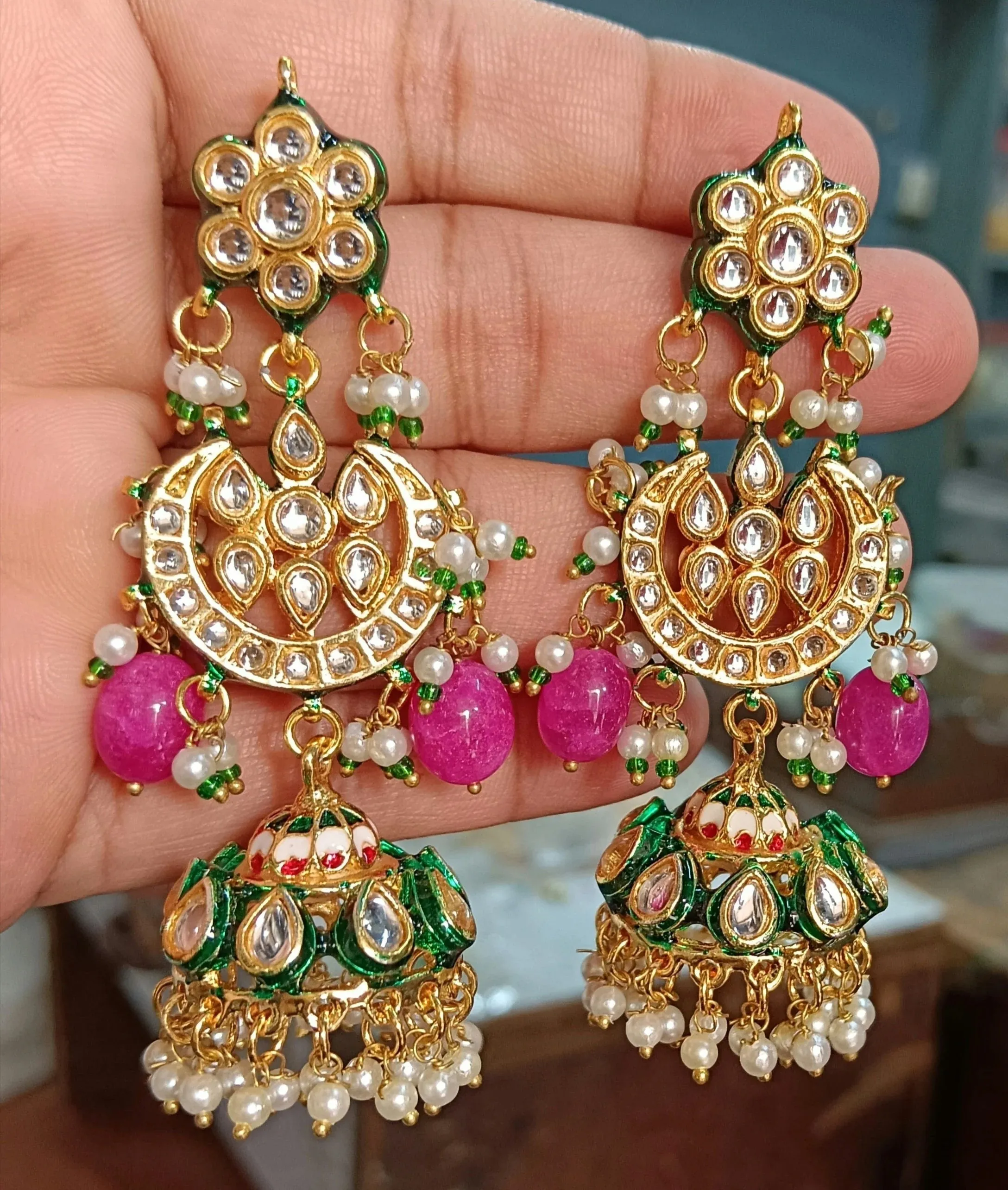
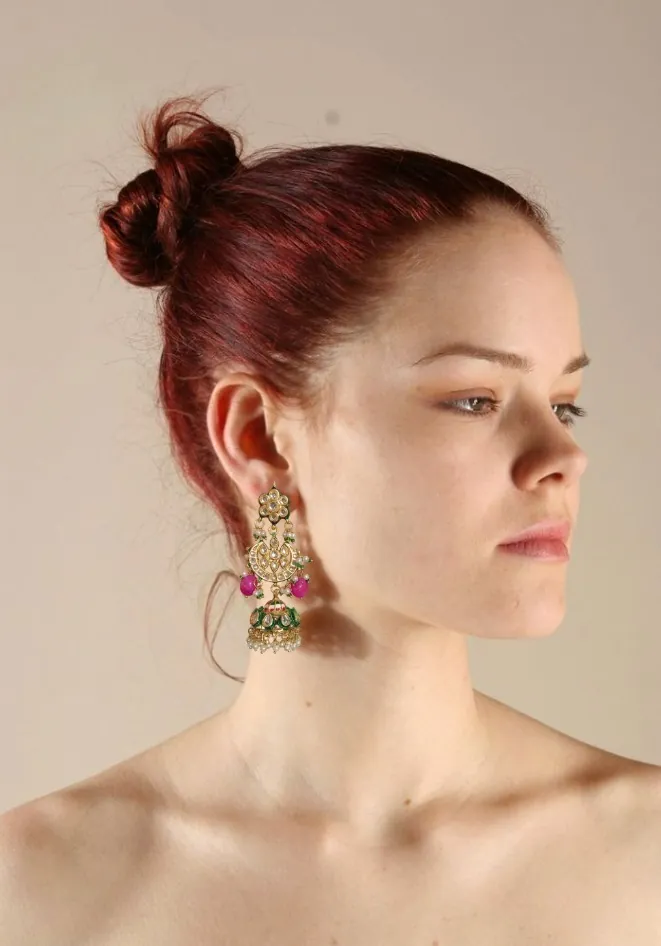
Hand-held earring snap → model editorial. Transfer exact details to any context.
Try it →Photoshop, but AI-powered.
Erase what's there, drop your product in, add it back. Every edit is a layer: non-destructive, reversible, fully in your control.
Build professional product photoshoots from scratch, layer by layer, exactly how you want them. Export to Photoshop as a PSD for any final fine-tuning.
Why not just regenerate?
Regenerate
"Fix the logo" → changes the lighting, moves the product, adds a random shadow
Patch with repare
Select the logo → reference the real one → done. Everything else untouched.
Trusted by


Try fixing some glasses yourself.
30 seconds. Real hammer. Real broken glasses.